
Keep every solution decision easy to understand later.
StackTrack helps you remember the products, vendors, services, tools, and trade show conversations they already researched. It gives every solution a place to collect the notes, pros, cons, contacts, ratings, history, and public context that usually get scattered.
The simple version
Step 1
Find or add the solution
Start with a product, vendor, service, provider, booth, or company you may need to compare or remember.
Step 2
Save the real context
Add what happened: what was tested, what worked, what failed, who you met, and what decision was made.
Step 3
Use it later
When the topic comes back, you can review the old context instead of repeating the same evaluation.
This page shows the main screens in the order a new visitor usually needs to understand them.
The problem
Research disappears when it is not attached to the thing being researched.
Research happens constantly, but the context often lives in places that are hard to search later. StackTrack is built for the moment when you ask, why did I pass on this, who did I speak with, or should I look at it again?
You looked at a provider months ago, but nobody remembers why it was rejected.
Pros, cons, quotes, contacts, screenshots, and notes are split across different places.
A project comes back later and you have to repeat research you already did.
Trade show conversations feel useful in the moment, then become hard to act on later.
What the app gives you
One place for private memory, public research, and trade show follow-up.
The product is easiest to understand as three connected layers. Each layer solves a different part of the same problem: keeping useful research from disappearing.
A private record for each solution
Keep ratings, pros, cons, notes, tags, contacts, projects, and research history attached to the thing being evaluated.
Public research that improves over time
Public profiles can start with useful research, then become stronger as real user feedback is approved and added.
Event capture tied to follow-up
Trade show booths, business cards, and vendor conversations can connect back to the same solution research system.
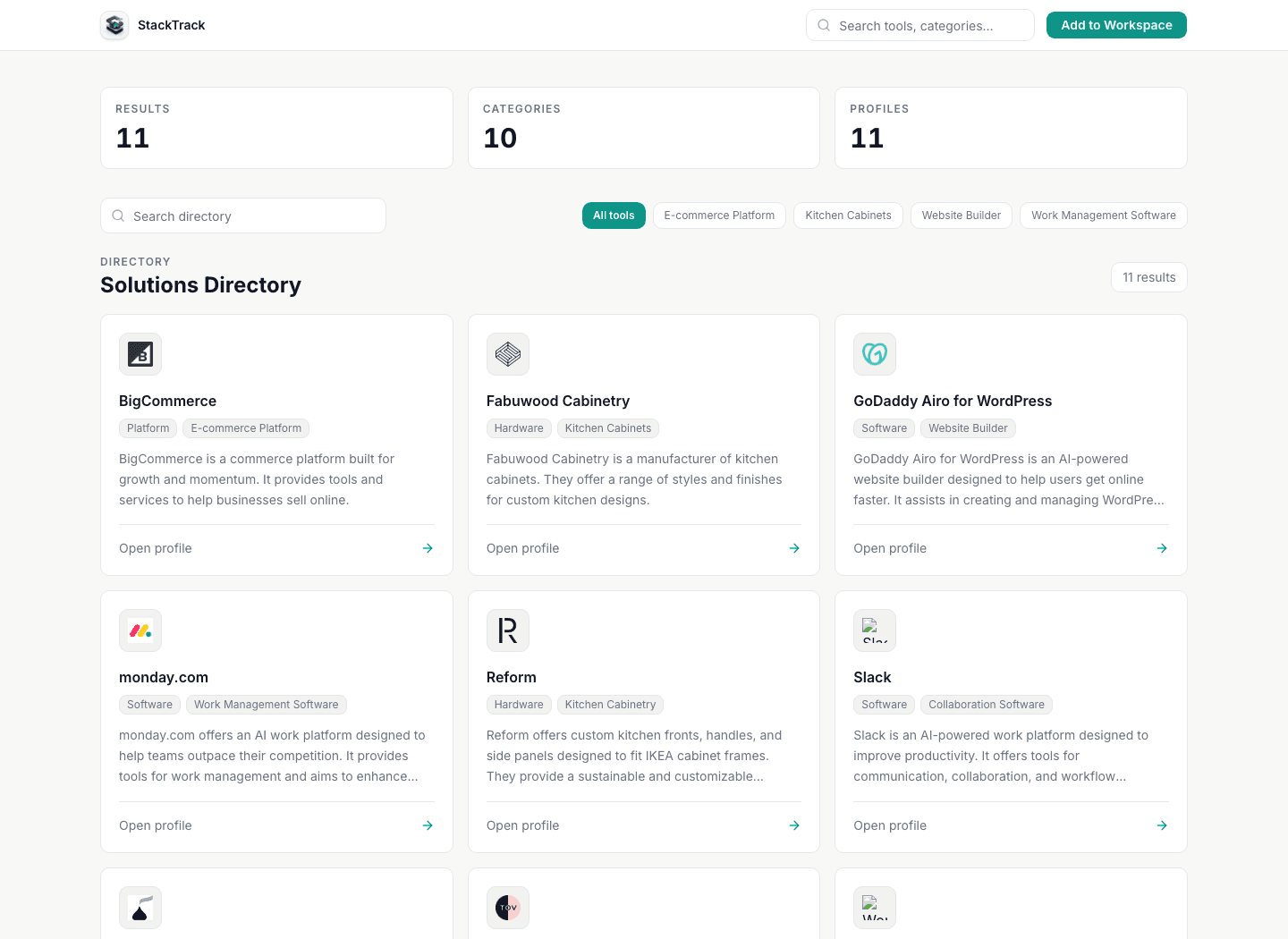
First screen to understand
The directory is where research starts.
A visitor can browse public solution profiles by category and see what already exists. This is useful before signing in because it shows the shape of the research system and gives search engines real pages to index.
For a logged-in user, the next step is saving the relevant solution into a private library so their own context can be added.
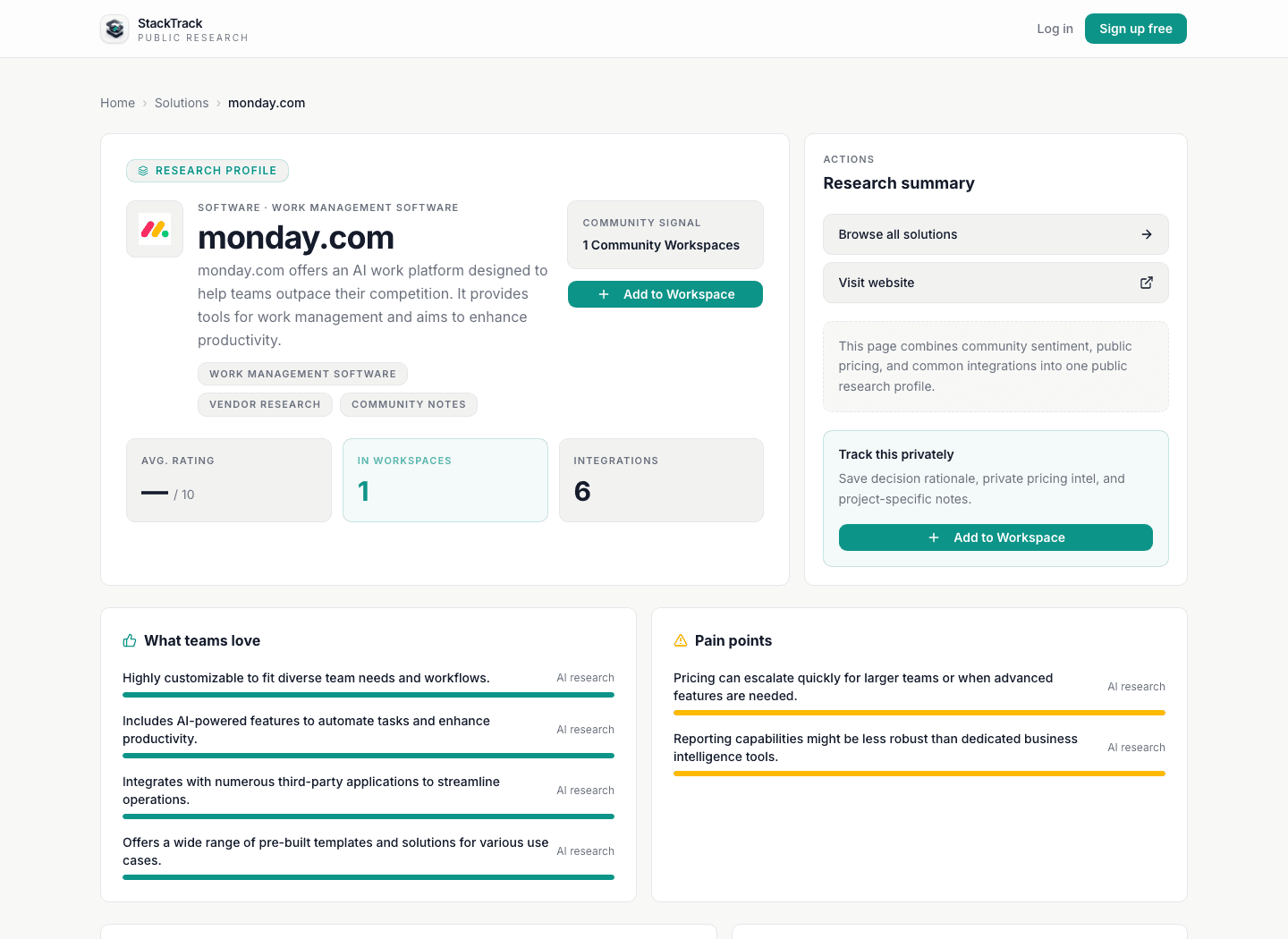
The profile page
Each solution page explains what is known so far.
New profiles should not feel empty. StackTrack can show useful public research such as a summary, category, pros, cons, integrations, and community signal while the page matures.
The public page is the shared starting point. The private library is where a user saves private decision notes, history, contacts, and project-specific details.
The private library
The most important value is what you add privately.
The public profile helps with discovery, but the real memory is created when a user saves the solution and records what happened. That is where the app helps you avoid repeating old work.
This is useful for active evaluations, old rejected options, vendor follow-up, project planning, renewal reviews, and anything you may revisit later.
What a private record can include
- Decision notes and rationale
- Pros, cons, ratings, and status
- Dated research history
- Vendor contacts and event context
- Tags, projects, and relationships
- Public profile and community signal
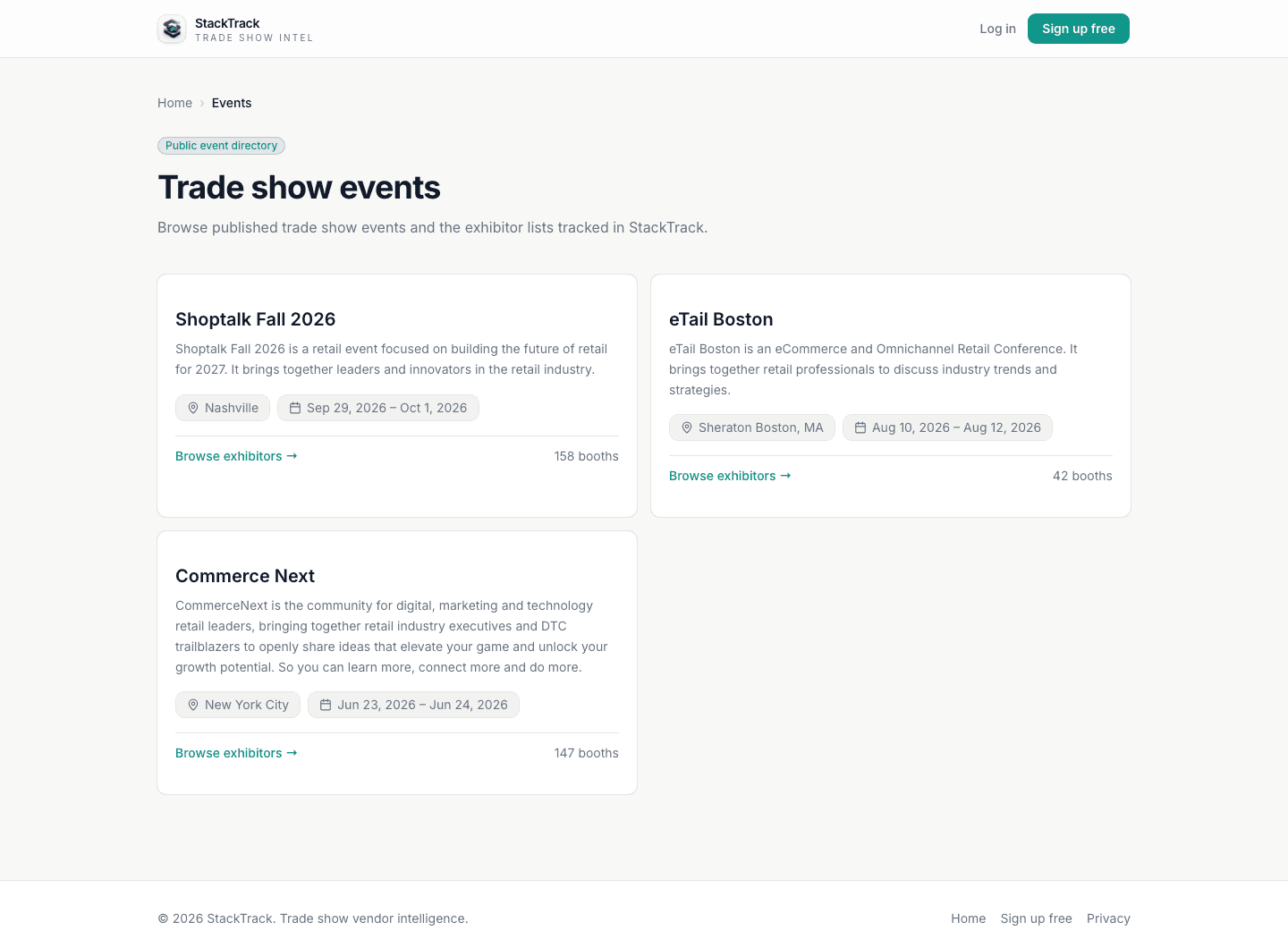
Events and booths
Trade shows become part of the same research story.
Trade shows create useful context quickly: booth visits, business cards, product photos, quick demos, and follow-up promises. StackTrack gives that information a place to go before it gets forgotten.
AI image processing can help create booths and contacts, while notes and visit status keep the follow-up organized.
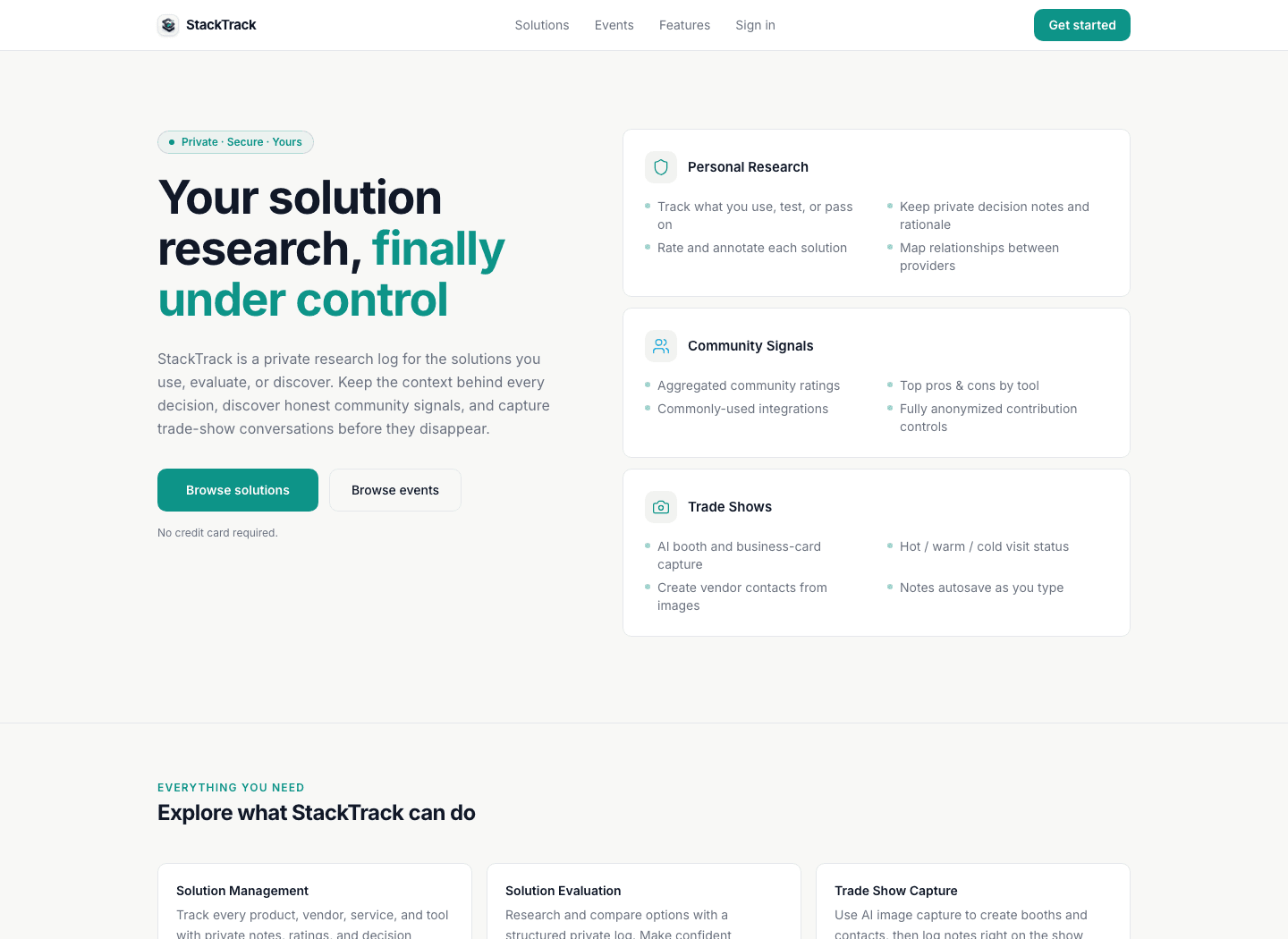
The big picture
The app is built around memory, not just data entry.
StackTrack is designed so the public pages, private library, projects, contacts, and events all point back to the same idea: you should be able to understand why a solution mattered and what happened the last time it was evaluated.
Common questions
What new visitors usually want to know.
The page should answer the basic questions before someone has to create an account or ask for a demo.
Is StackTrack only for software?
No. It can track software, vendors, services, products, exhibitors, providers, and other business solutions. The important part is preserving the research context.
What makes it different from a spreadsheet?
A spreadsheet can list options. StackTrack is built around the full record: notes, pros, cons, contacts, public research, event context, history, and the reason a decision was made.
Why are there public pages?
Public pages give people a useful starting point and create pages that can grow as real user feedback is added. Private library notes stay private.
Where do trade shows fit?
Trade shows are another source of solution research. StackTrack helps turn booth visits, images, business cards, and quick conversations into records that can be followed up later.
Start by browsing what is already public, then save what matters privately.
You can explore public profiles first or create an account when you are ready to start building your own decision history.